Campfire is built for lean finance teams: companies that want revenue to grow faster than the accounting team does. If your comp plans pay reps once the customer pays, commission payouts are one of the recurring jobs that eat into that.
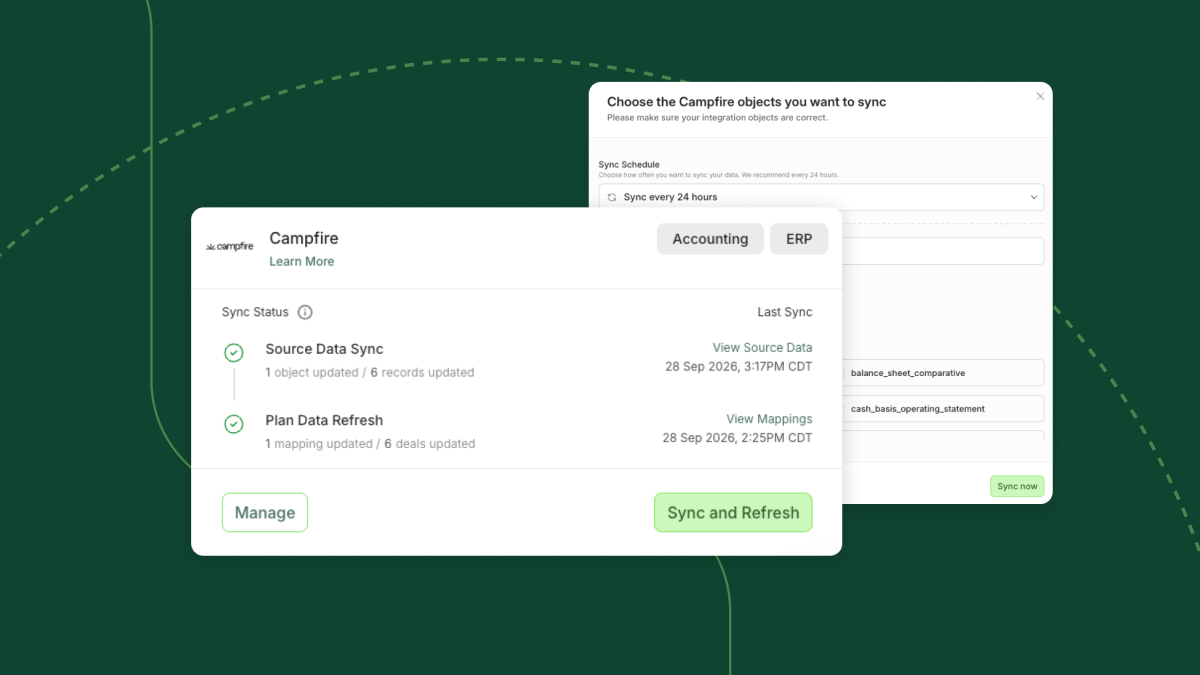
As of today, QuotaPath integrates with Campfire.
Here’s what that changes over a single pay period.
Before: the manual version
The pay period ends, and someone on the finance team:
- Exports the invoices paid in Campfire since the last payout
- Finds the matching deal in the CRM for each one
- Works out which rep and comp plan each deal belongs to
- Checks for voided invoices that shouldn’t pay out
- Updates the payout spreadsheet and sends it to payroll
Meanwhile, reps are messaging to ask when their commission is coming. Next pay period, the whole process starts over.
After: with QuotaPath connected to Campfire
When the pay period ends, the work is already done:
- QuotaPath has pulled invoices and payments from Campfire.
- Each invoice is matched to its CRM deal, rep, and plan.
- Paid invoices have their commissions marked ready.
- Voided invoices have already been removed from commission eligibility.
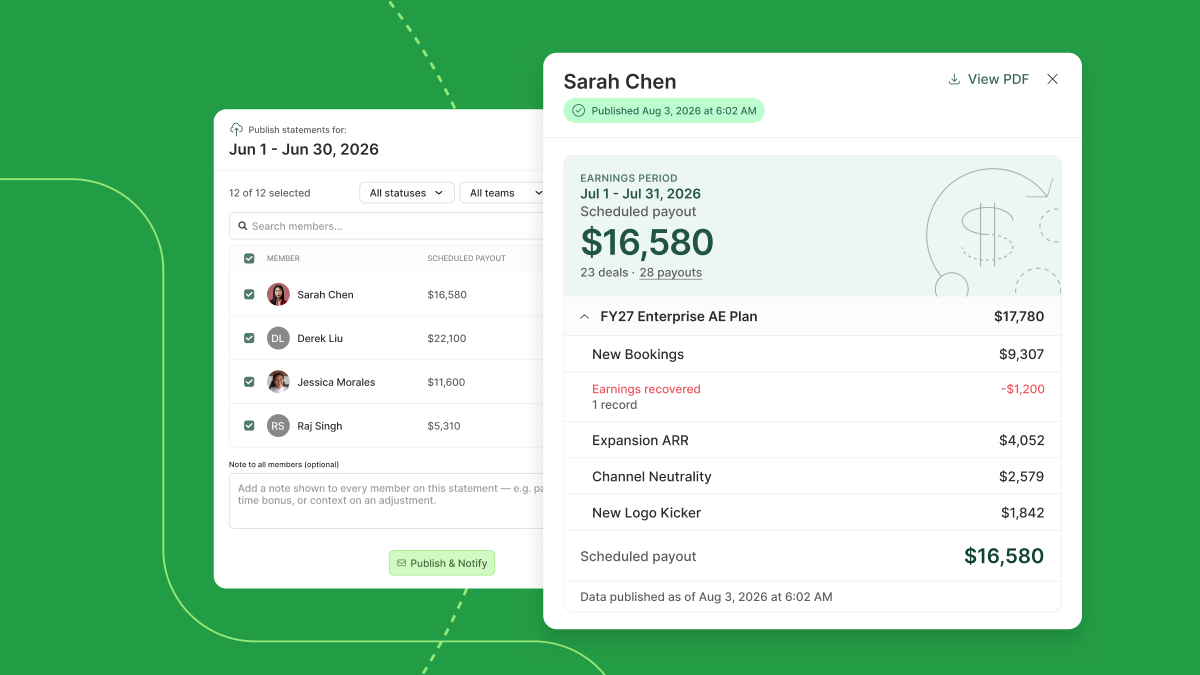
Your team reviews and approves the payouts. Reps can see their payout status at all times.
Design, track, and manage variable incentives with QuotaPath. Give your RevOps, finance, and sales teams transparency into sales compensation.
Talk to SalesCommon questions
What does QuotaPath pull from Campfire?
Invoices and payments. The connection is read-only, so nothing in Campfire changes.
How does QuotaPath know which rep to pay?
Each Campfire invoice links to the CRM deal QuotaPath already syncs. The rep and plan come from your CRM, and Campfire provides the cash.
What happens when an invoice is voided?
Commission eligibility adjusts automatically, so a voided invoice never turns into a payout.
How long does setup take?
You’ll need an API key from your Campfire settings and a quick call with our team.
Which QuotaPath plan includes it?
The Campfire integration is on our Premium plan. It joins QuotaPath’s other ERP integrations.
See how much time it gives back
Book time with our team and we’ll walk through a pay period using your own Campfire and CRM data.