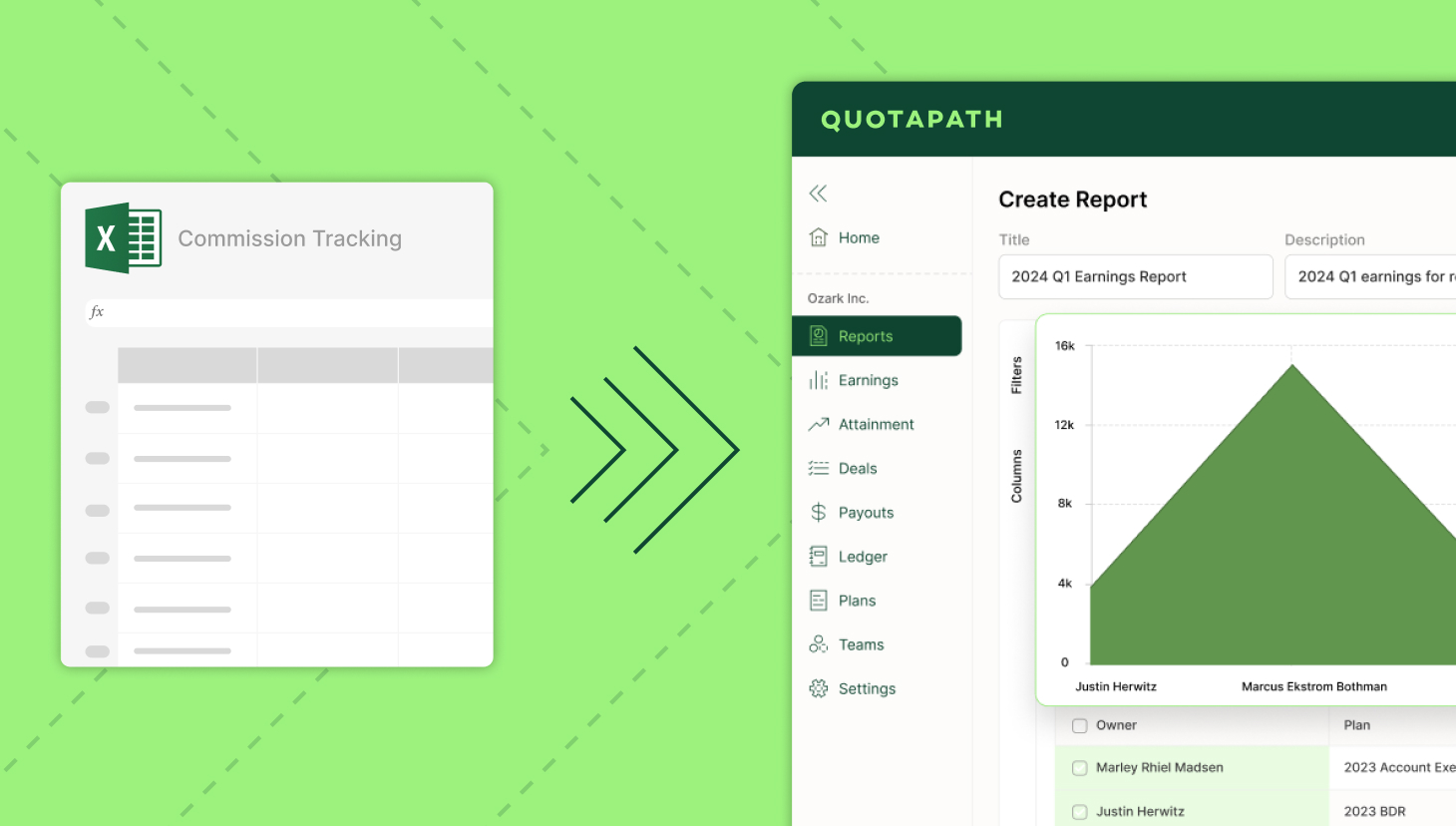
For finance teams, moving commission tracking out of spreadsheets is both a system change and a control upgrade.
That’s because as companies grow, commissions move from being a back-office task to a material expense tied directly to payroll, forecasting, and reporting. And at that point, spreadsheets start to show their limits.
What once worked becomes harder to trust: formulas break, exceptions pile up, and visibility depends on a single person who understands how everything fits together.
That’s exactly what Birdie experienced as they scaled.
What started as a workable system of spreadsheets and SQL queries became increasingly difficult to manage as the team and compensation plans grew.
“We were using spreadsheets… a bunch of very difficult-to-maintain spreadsheets calculating commissions,” said Luke Cullimore, Senior Revenue Operations Manager at Birdie.
Design, track, and manage variable incentives with QuotaPath. Give your RevOps, finance, and sales teams transparency into sales compensation.
Talk to SalesEven when the process was functioning, it came at a cost. Running commissions required dedicated time every month, and even more for quarterly plans.
“To run it consistently with accurate outputs probably took a day a month. and for quarterly comp plans, 2 to 3 days,” Luke said.
That kind of manual effort is inefficient and introduces risk.
The more time spent maintaining spreadsheets, the harder it becomes to ensure consistency, accuracy, and auditability.
Proof in Migrating
Migrating commission tracking to QuotaPath helps finance teams move away from that fragility toward a process that’s repeatable, transparent, and built to scale.
Today, Birdie runs commissions on a fully automated, monthly cadence, aligned to real invoice activity, and with the confidence to hand the process off to Finance.
“With QuotaPath… now everyone’s getting paid out monthly based on invoices being paid,” Luke said. “I have full trust… we can hand it over to finance.”
That shift, from manual and fragile to automated and trusted, is what moving off spreadsheets makes possible.
In a similar spot as Birdie once was?
Our blog below shares seven steps to move from commission tracking in spreadsheets to incentive software like ours.
Spreadsheet-to-QuotaPath Migration Checklist
-
-
-
-
- Gather all commission spreadsheets and plan docs
-
- Identify all manual adjustments and exceptions
-
- Define source of truth for bookings, payouts, and eligibility
-
- Standardize fields and clean historical data
-
- Confirm final plan logic by role
-
- Test edge cases like splits, ramp, and clawbacks
-
- Run parallel calculations for prior periods
-
- Reconcile variances and get finance signoff
-
- Set governance, approvals, and close calendar
-
- Go live at the start of a clean commission period
-
-
-
7 Steps to Migrate Commission Tracking to QuotaPath
Migrating off spreadsheets requires your team to translate how your business actually pays people into a system that can scale, audit, and operate reliably.
The teams that do this well treat migration as both a technical and operational project.
Here’s how to approach it.
1. Document your current commission logic
Before you touch a new system, you need a clear picture of what exists today.
Start by inventorying every active plan, rate table, quota rule, accelerator, split, draw, clawback, and manual adjustment.
In many cases, the spreadsheet reflects the real policy better than any formal documentation, so this step is about capturing reality, not just intent.
2. Define your source systems
Once the logic is documented, the next step is to understand where each piece of data should come from.
Decide which systems will act as your source of truth for each input. For example:
- CRM for bookings and ownership
- Billing or ERP for invoice or cash status
- HR or finance systems for rep eligibility, OTE, and employment dates
Clarity here prevents downstream conflicts and ensures your commission calculations are grounded in reliable data.
3. Clean up plan and data definitions
Migration is the best opportunity to address inconsistencies that have accumulated over time.
Standardize fields such as rep IDs, deal types, effective dates, product categories, and definitions (e.g., renewal vs. expansion). Without this step, you risk carrying over the same ambiguity and errors into a new system.
Recommended Reading:
The 9 Most Common Implementation Roadblocks (and How QuotaPath Avoids Them) https://www.quotapath.com/blog/common-implementation-roadblocks/
4. Translate plans into system rules
With clean data and defined sources, you can now turn compensation plans into structured logic.
At a minimum, every plan should clearly answer:
- Who gets paid
- On what event
- At what rate
- On what timing
This is also where edge cases need to be resolved upfront—things like ramp periods, split deals, territory transfers, and overrides. The more clarity here, the fewer surprises later.
5. Run a parallel validation
Before going live, validate that the new system matches your expected outputs.
Recalculate one or two closed periods in QuotaPath and compare them directly to your spreadsheet results. This is the most critical control step because it ensures accuracy, builds confidence, and identifies gaps before payroll is affected.
6. Set governance and approvals
A well-built system still needs clear ownership and controls.
Define who can update plans, approve exceptions, lock periods, and finalize payroll outputs. Establishing governance early ensures consistency and prevents the system from drifting over time.
7. Go live on a clean period
Finally, plan your transition carefully to minimize risk.
Avoid mid-period cutovers whenever possible. Instead, close one final period in spreadsheets, then start fresh in QuotaPath with clear, effective dates. This creates a clean break and simplifies reconciliation.
Final Thoughts
The point of migrating from spreadsheets to QuotaPath is not just faster commission calculation. It has stronger controls, cleaner payout logic, and better confidence in a material expense line.
If you’re ready to kick off this process, chat with our team today to get started.