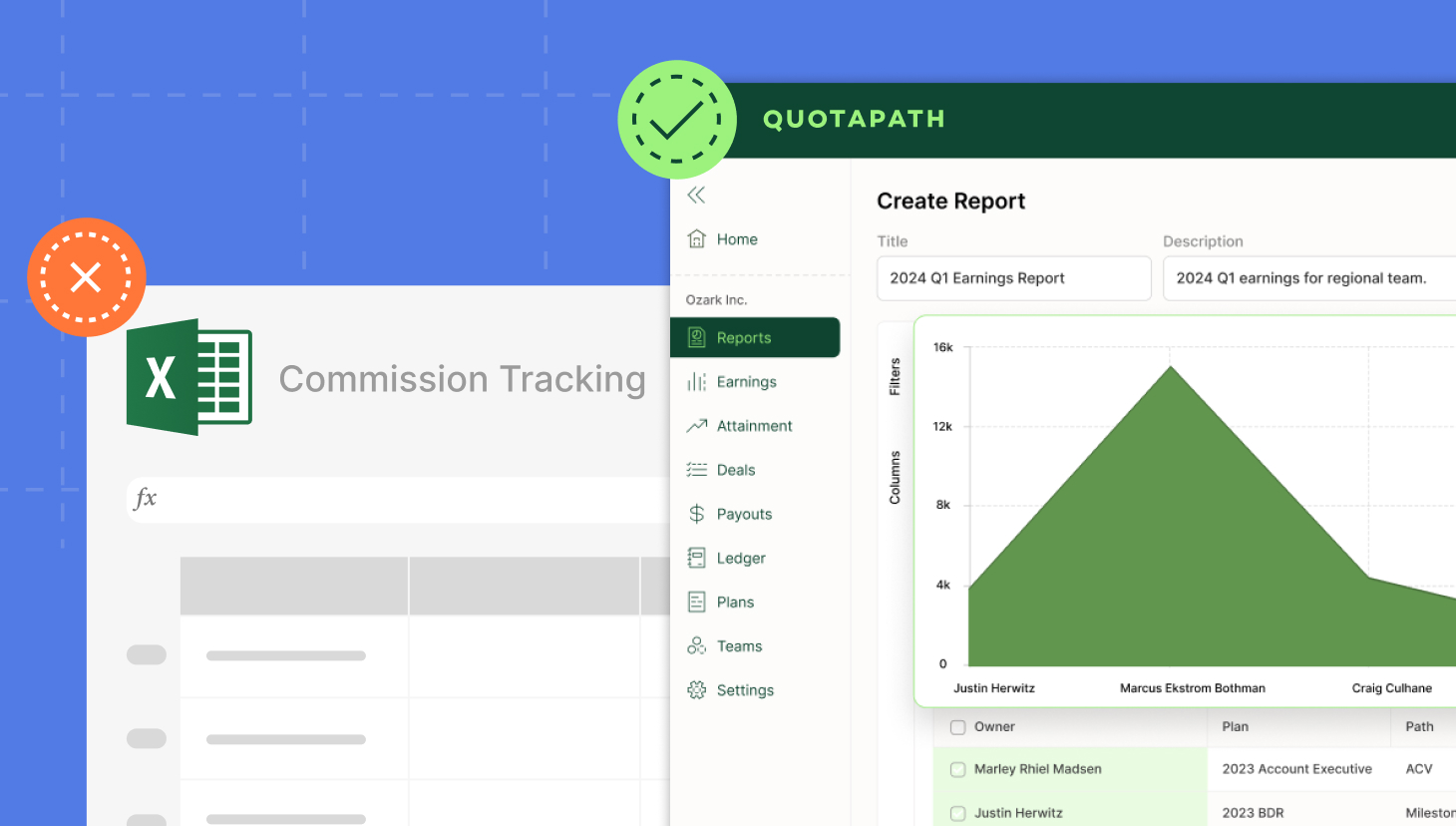
Excel is the default starting point for commission tracking. In fact, with 63% market share, spreadsheets are our most common competitor.
For small teams or simple compensation plans, Excel offers flexibility and familiarity. However, as organizations scale, manual formulas and version-controlled files become increasingly complex to manage. Errors creep in, approvals slow down, and maintaining audit-ready records becomes a full-time job. Even small plan or quota changes can ripple across dozens of tabs, increasing the risk of payout mistakes and compliance risks.
At that point, teams begin to look for an alternative to Excel for commission tracking that automates calculations, syncs with CRM data, and provides real-time visibility into earnings and forecasts.
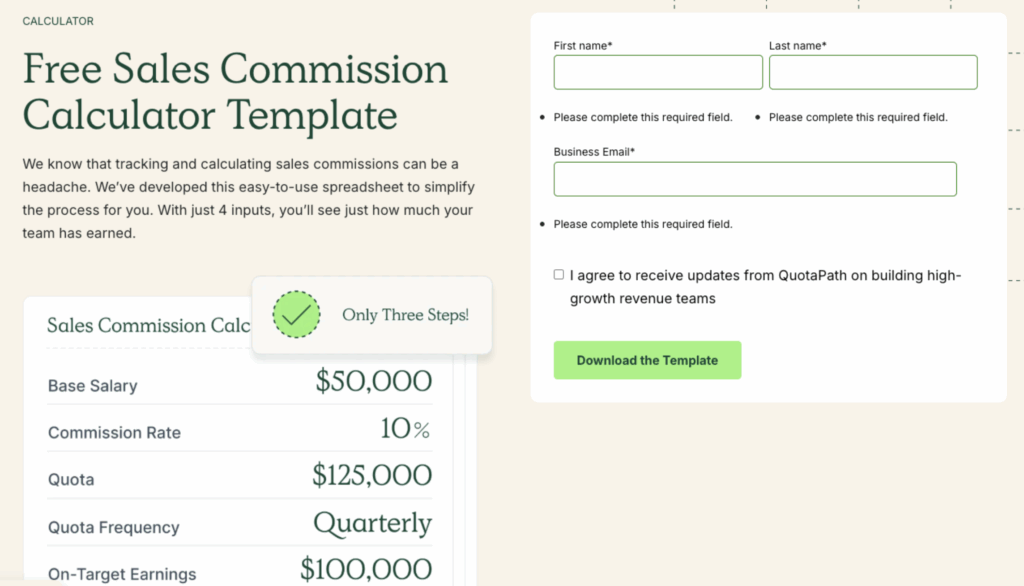
In this guide, we’ll explore what to look for in an Excel alternative and why modern commission tracking software outperforms spreadsheets. Then we’ll explore how QuotaPath delivers the best of both worlds, combining automation tools with a free commission template for teams that are not yet ready to replace Excel.
What to Look for in an Excel Alternative
Look for these must-have features as you consider an Excel alternative for sales commissions.
Real-Time Sync with CRM
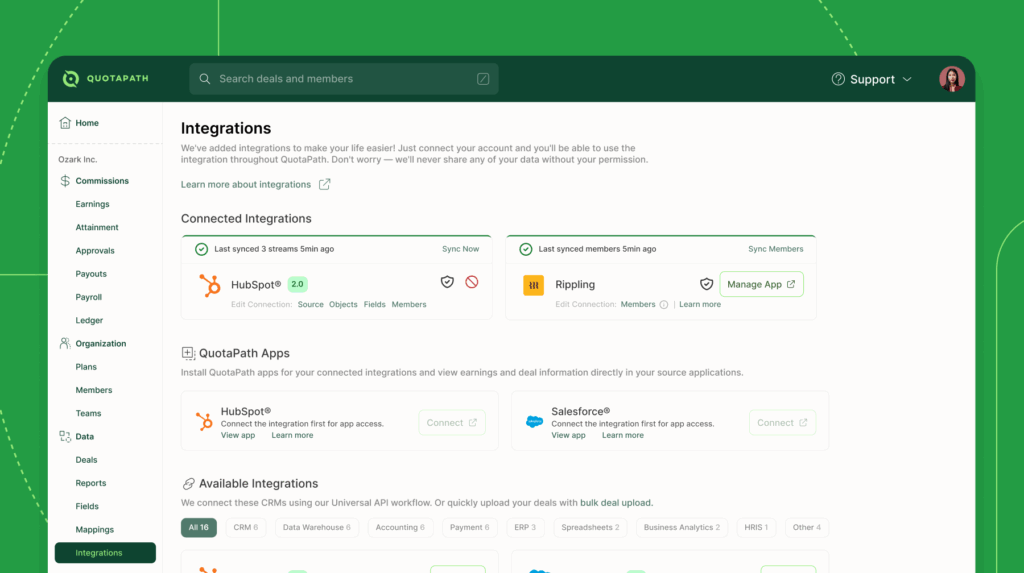
Native CRM integrations transform manual commission tracking into an automated workflow. By connecting commission tracking software to Salesforce or HubSpot, deals marked “closed-won” automatically trigger calculations and updates, removing the need for spreadsheet uploads or duplicate data entry.
Salesforce commission tracking enhances accuracy and speed by syncing deal data, earnings, and approvals in real-time. Likewise, HubSpot commission tracking enables reps to view live quota progress and commission forecasts directly within their CRM, without needing to switch apps. Managers can track performance, model payouts, and forecast commission expenses from the same view.
“The QuotaPath app card sits right inside HubSpot,” said Eric Baum, CEO of Bluleadz. “Reps, managers, and our accounting department can see all the data they need, without ever leaving HubSpot.”
“The sales team loves having the ability to see their pipeline, forecast potential commissions, and understand exactly how payouts are calculated and when they’ll receive them,” said Genevieve Moss-Hawkins, Systems Operations Manager at NeuroFlow. QuotaPath’s real-time sync with CRM gives sales and finance a single, trusted source of truth.
Multi-Tier Approvals
Commission accuracy depends on shared accountability. QuotaPath’s multi-tier approvals feature enables you to set up approval steps at the rep, manager, executive, and finance levels, ensuring accuracy and saving time. This workflow increases transparency and strengthens trust across sales, finance, and legal by allowing reps to approve their numbers before leadership signs off.
Plan Modeling
According to our report, 91% of surveyed companies fell short of quota attainment, with 31% of revenue leaders citing unrealistic quotas. Designing a comp plan isn’t only about creating an enticing plan, as it directly affects profitability, performance, and morale.
Features like QuotaPath’s Plan Modeling and Draft Plans enable leaders to pressure-test compensation scenarios without disrupting existing plans by utilizing historical data. Plan modeling helps leaders prevent costly compensation outcomes such as missed revenue goals, overpaid commissions, and rep turnover due to a lack of trust and transparency.
Design, track, and manage variable incentives with QuotaPath. Give your RevOps, finance, and sales teams transparency into sales compensation.
Talk to SalesForecasting & Rep-Level Visibility
QuotaPath enables reps to see quota progress and run “what-if” scenarios that forecast potential earnings from deals in their pipeline. This keeps them motivated while helping them prioritize opportunities that will help them reach the next incentive milestone.
“The tool allows me to seamlessly automate everyone’s commissions into one platform so that sales reps, customer success managers, SDRs, and revenue management can view their own commissions in the tool. This makes troubleshooting easier when needed. It’s easy to reference and the information is made to be transparent for the entire revenue team,” according to Katie at Muck Rack.
Real-time reporting connects performance data to payout forecasts, allowing finance leaders to anticipate commission liability, monitor margins, and validate compensation costs before payroll.
Why Commission Software Beats the Rest
Excel vs commission software. Here’s what makes commission tracking software a superior alternative to Excel for commission tracking.
Automates Calculations and Reduces Errors
Nearly 80% of organizations admit to making compensation mistakes when using spreadsheets. Switching to a commission tracking spreadsheet alternative automates compensation management, resulting in error-free commission calculations. In fact, companies that fully adopt their finance technologies see a 75% reduction in errors, according to Gartner, revealing that commission payout automation increases accuracy.
Real-Time Earnings and Quota Visibility
Commission software improves rep visibility in the numbers they need to track quota progress. Visibility improves motivation and reduces mental stress, enabling sales reps to focus on selling instead of stressing about hitting quota. “A compensation plan is one lever that a leader can lean on to reduce stressors. Having a clear understanding of their comp plan and how they make money is so important,” according to Jeff Riseley. This level of transparency also boosts productivity. According to Betterworks, transparency motivates employee efficiency and engagement.
Approvals, Audit Trails, and Compliance
Manual compensation processes hinder commission approvals and compliance, as well as lead to inaccurate documentation. When you replace Excel for commission tracking, payout automation streamlines processes such as approval flows, audit trail creation, forecasting accuracy, ASC 606 compliance, and audit readiness. This gives finance peace of mind.
Seamless CRM and Payroll Integration
QuotaPath’s integration with Rippling creates a seamless connection that automates commission payments from calculation to payout. This payroll integration enables finance and HR teams to push commission earnings into payroll. This eliminates tedious manual processes, saving finance and admin time while boosting accuracy.
“QuotaPath had already simplified how we calculate commissions. So, when QuotaPath launched its Rippling integration, I joined to see if it could streamline the last mile of my workflow: filling in the gaps between commission payouts and running payroll.
It worked better than I could’ve ever imagined. The integration fast-tracked pay runs, and even pushed us to bring more of our commissions into QuotaPath instead of calculating them manually,” according to Joan Schiffer, Director of Accounting at Virtuous.
Try the most collaborative solution to manage, track and payout variable compensation. Calculate commissions and pay your team accurately, and on time.
Start TrialOutgrow Excel with QuotaPath
If you’re ready to move beyond manual spreadsheets, QuotaPath is how to replace Excel for commissions while increasing accuracy, transparency, and scalability. The platform automates the entire commission process, from calculation to payout, while giving every team real-time visibility and control.
Here’s what you can expect:
- Automated tracking & payouts
- Error-free commission calculations
- Live dashboards and forecasting
- Audit trails and approvals
- Salesforce & HubSpot native sync
Not ready for software? Include CTA to try QuotaPath’s Excel commission template as a free starting point.