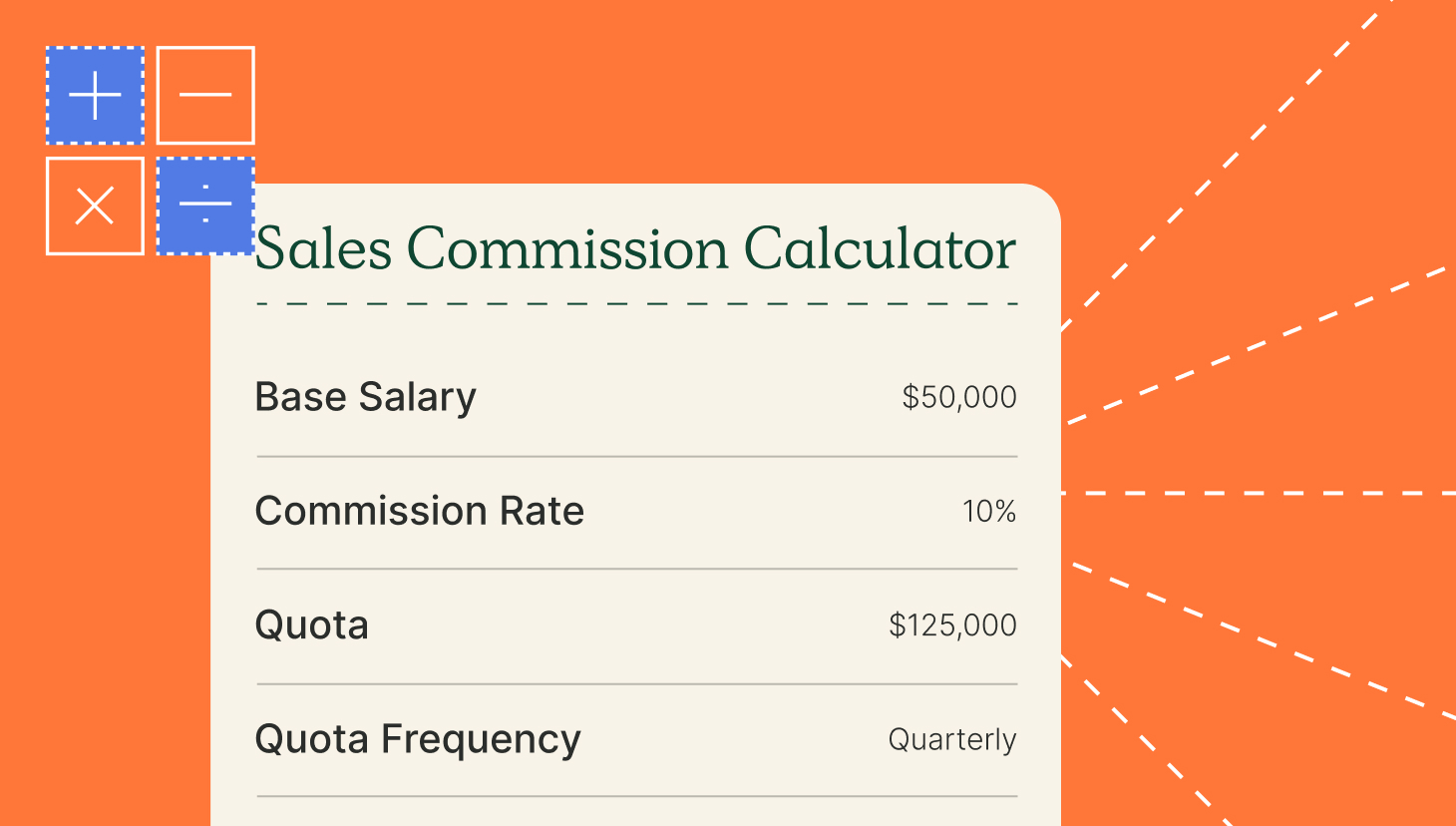
Key takeaways
- Sales commission template software gives you a ready-made plan you fill in with your own rates and quotas, then pay reps from. Libraries differ in plan complexity and what happens when you edit one mid-year.
- Every role you pay needs its own structure, since closers, prospectors, renewal owners, and managers are each measured on something different.
- The platform with the widest breadth is QuotaPath, with structures spanning the whole commissioned team and rates you can adjust yourself.
- CaptivateIQ is for plans that fall outside a standard structure, while Everstage is for repricing one you already run. Performio fits programs where every change needs signing off, while Xactly suits enterprise teams running plan variants at scale.
- Test a template against your most complex live plan before committing, since a standard demo will not show how it handles your own accelerators and splits.
A good template library means you can change a comp plan in the same week you decide to. Quotas shift, a new role gets added, an accelerator needs retuning, and the plan is live before the quarter turns instead of after it.
Teams without a library rebuild the plan by hand every time something changes. Someone rebuilds the logic, someone else checks it against last quarter’s payouts, and reps see the new plan weeks into the period it covers.
What separates one library from another is which roles it covers, how much you can change before the structure breaks, and whether the template stays connected to your deal data once reps are assigned to it.
A five-person team on a single rate plan needs something very different from a team paying closers, prospectors, renewals, and managers on separate structures.
What does sales commission template software do?
When you search for a sales commission template, there are three different types of products that come up:
- A downloadable spreadsheet with tabs and formulas you maintain by hand. QuotaPath publishes a free commission tracking template and a Google Sheets version for teams at that stage.
- A commission agreement, the legal document a rep signs, setting out clawbacks, SPIFs, and plan terms. QuotaPath covers that separately in its commission agreement template.
- A platform with a plan library built in, where you pick a structure such as single rate, accelerators, or activity-based, where you pick a structure, enter your own rates and quotas, and assign it to reps for the software to pay out on.
The first two are documents you maintain yourself. The third connects the plan to your deal data and pays reps from it.
Six things to look for in a commission template library
Two commission template libraries can both cover your roles and still behave differently once you assign a plan and start paying against it. Working out which one suits your team comes down to six factors:
1. Getting your existing plan in
Compensation plans are often written in prose before they are built anywhere, in a doc or a slide. Moving one into software means turning every rate and condition in it into something the platform can calculate. A library shortens that by giving you a structure with the rules already set up.
2. Role coverage
Variable pay usually goes beyond the closing team. Each group is paid against its own criteria, which means its own plan logic behind it. A library covering closers alone leaves out prospectors, renewal and expansion owners, and anyone paid on team performance.
3. Component depth
Components are the separate parts of a plan that a rep can earn from. A base rate is one. So are accelerators above quota, ramps for new hires, draws, clawbacks, split credit, and multi-year rates. The more of them a plan carries, the more a template has to hold.
4. Template to payout
On some platforms, the template you build the plan in and the engine that pays reps are separate products. You design the plan in one, then enter it again in the other, so every rate change has to be made twice. Check whether the template you fill in is the same one running payouts, or a starting point you rebuild afterwards.
5. Mid-year versioning
Quotas, territories, and rep assignments can change partway through a period. When that happens, the new terms need to apply going forward while the old ones stay attached to anything already paid. Check that editing a plan creates a new version rather than recalculating closed periods.
6. Audit trail
Commissions count as a cost of winning a contract, which means finance cannot expense them all in the month they are paid. Under Accounting Standards Codification 606, the US revenue recognition standard, those costs are spread across the life of the contract. Doing that requires a record of what each plan said on the day each deal closed, so look for approval history on every change with dates and names attached.
The 5 best software with sales commission templates
QuotaPath, CaptivateIQ, Everstage, Performio, and Xactly are five of the most widely used commission platforms. Each one is compared below on the six factors above, plus its G2 rating and what buyers actually pay for it.
| Platform | Template library | Roles covered | After selection | G2 rating | Vendr median |
| QuotaPath | Named library by role, rates populate from your inputs | Closers, prospectors, renewals, managers | Runs as the live plan | 4.8 | Median $10,032 a year |
| CaptivateIQ | Components assembled in SmartGrid | Closers, prospectors, custom | Versioned and validated before release | 4.7 | Median $37,044 a year |
| Everstage | Drag-and-drop designer, tested against payee history | Closers, prospectors, renewals | Publishes from the same workspace | 4.8 | Median $41,140 a year |
| Performio | Component library with audit trails attached | Closers, prospectors, enterprise custom | Managed through the plan module | 4.4 | Median $50,160 a year |
| Xactly | Enterprise library benchmarked against industry norms | Full enterprise range | Handed from Design into Incent | 4.2 | Median $79,991 a year |
Each of these platforms is built for a different kind of team, and the template library reflects that.
QuotaPath
QuotaPath keeps the whole plan in one place without handing work to a services team.
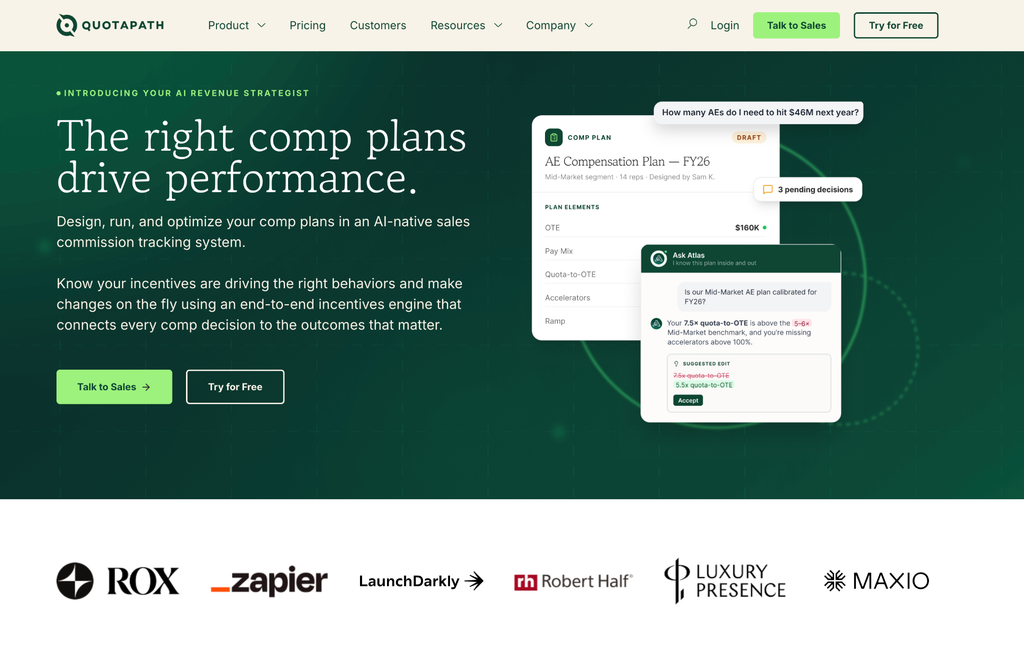
Its template library is organized by role:
- Account executives: single rate, accelerators, bonuses, multi-year accelerators
- Sales and business development reps: activity, revenue, or both
- Account management and customer success: retention, retention with upsell bonus
Rates fill in from your own numbers, and the compensation calculator checks the on-target earnings against quota before you assign the plan.
Best for: Teams paying more than one kind of role. Closers, prospectors, renewal owners, managers on team rollups.
Rating and pricing: 4.8 out of 5 from 402 G2 reviews. Growth: $35 per user monthly, Premium $50, both with a platform fee, Atlas from $5,000. Vendr median: $10,032 a year.
Design, track, and manage variable incentives with QuotaPath. Give your RevOps, finance, and sales teams transparency into sales compensation.
Talk to SalesCaptivateIQ
CaptivateIQ trades the guided template for a blank grid you can shape into almost anything, which suits teams whose plans do not fit a standard structure.
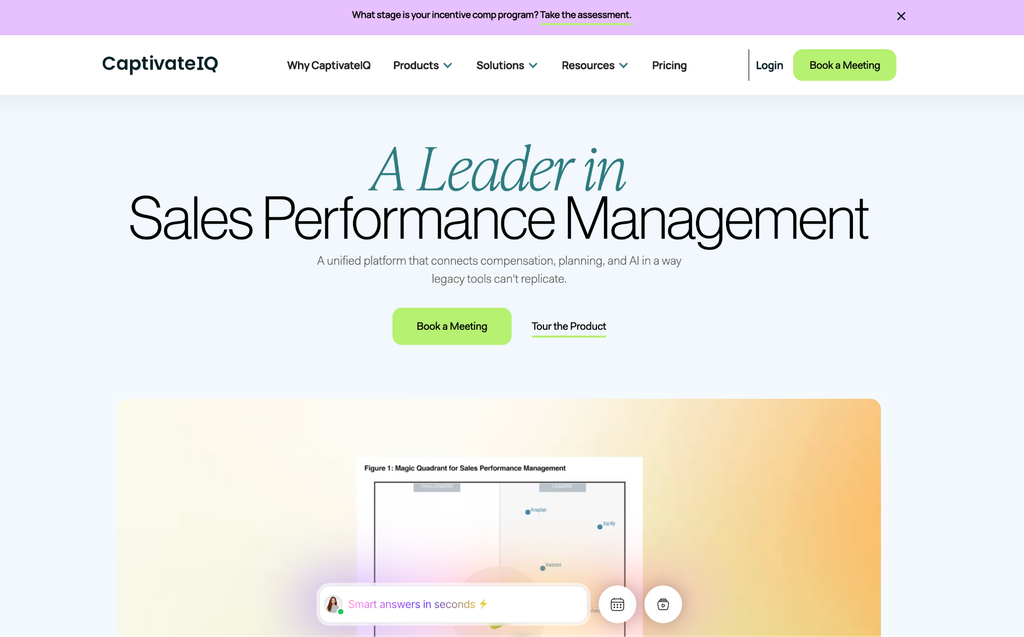
SmartGrid, its no-code engine, builds plans in a spreadsheet-style editor with an audit record underneath. Plans can be versioned, run against past data, and checked before release.
Best for: Plans too custom for a standard template. Teams with spreadsheet skills in-house.
Where it falls short: The flexibility comes with a learning curve, and it is the most common complaint about the platform. Licensing counts admins as well as every payee, so the bill covers people who never log in.
Rating and pricing: 4.7 out of 5 from over 3,400 G2 reviews. Per seat, with a one-time setup charge. Vendr median: $37,044 a year.
Everstage
Everstage lets you see what a plan will cost before anyone is paid under it, which matters when you are changing rates.
The drag-and-drop designer handles multi-tier accelerators, split credits, and draw-against-commission without formula writing. Time Machine runs a draft plan against what real payees earned in past periods.
Best for: Changing rates on an existing plan. Teams returning rates on a plan already in the market.
Where it falls short: ASC 606 support is an add-on rather than bundled.
Rating and pricing: 4.8 out of 5 from roughly 2,000 G2 reviews. Per payee. Vendr median: $41,140 a year.
Performio
Performio treats the plan as a controlled document, with every rule change tracked, approved, and attributable.
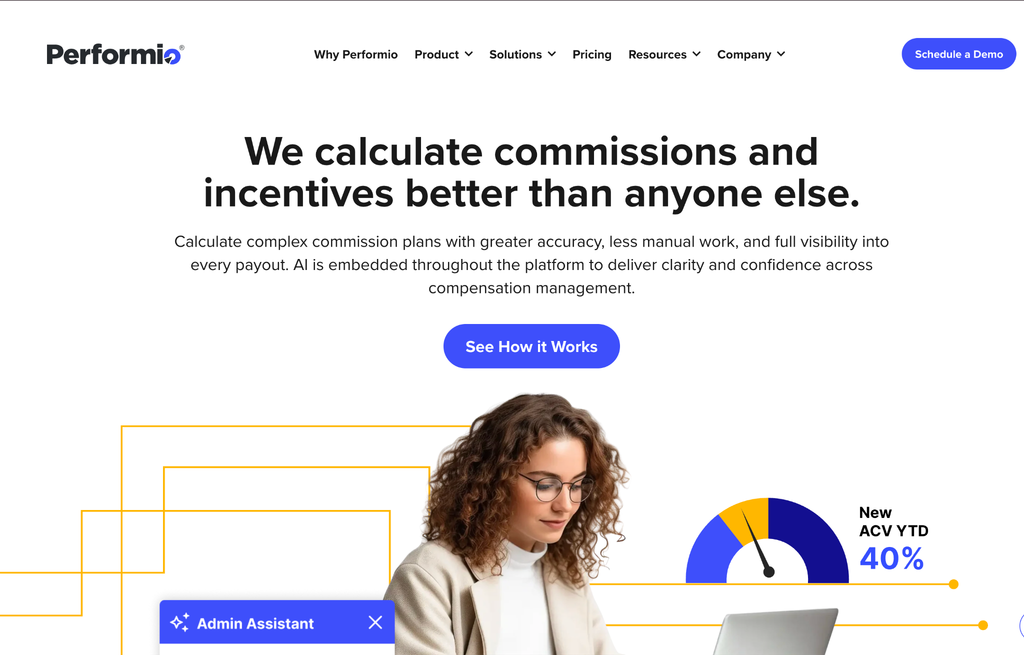
Plans are built from separate pieces you can edit one at a time, so changing a rate does not put the rest of the plan at risk. Reps get their own view of what they have earned.
Best for: Regulated or audit-heavy industries. Programs where every plan change needs a paper trail.
Where it falls short: Data can lag, the interface shows its age, and setup takes time. Complex customization usually needs a services engagement.
Rating and pricing: 4.4 out of 5 from around 955 G2 reviews. Per user, scoped to program complexity. Vendr median $50,160 a year, before implementation.
Xactly
Xactly checks your plan against market pay data before it goes live, which is its main advantage over everything else here.
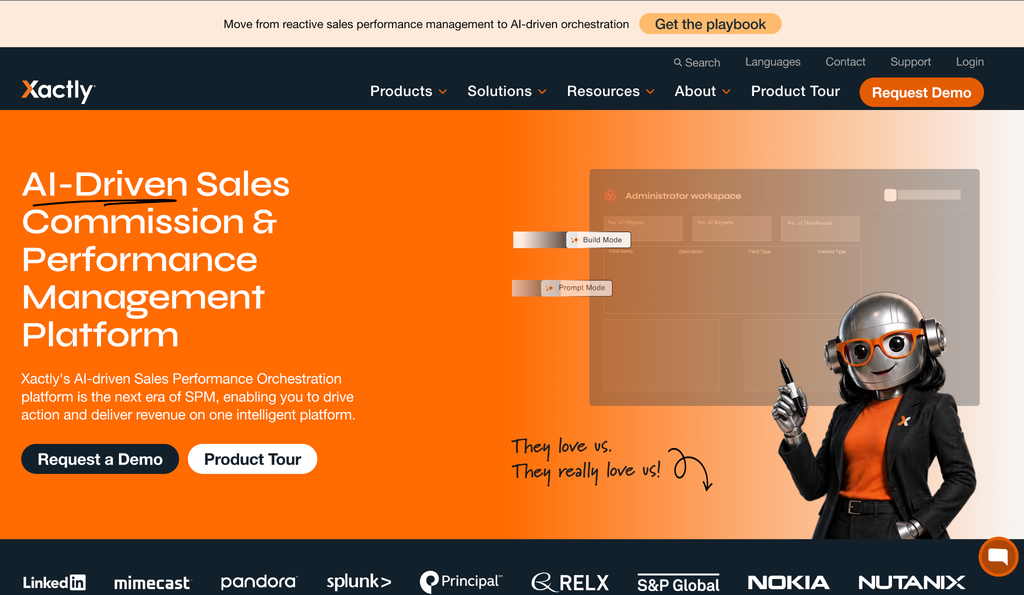
Xactly Design compares your pay mix and on-target earnings against industry norms built from two decades of data across 1,500 companies, then shows the effect of a change while the plan is still a draft. It connects natively to Salesforce, Microsoft Dynamics, and NetSuite.
Best for: Enterprise teams. Hundreds of plan variants, global payees, benchmarking against market pay.
Where it falls short: Design and Incent are separate modules, and the benchmark data sits in the top tier. The platform is built for scale, which makes it heavy for a smaller team.
Rating and pricing: 4.2 out of 5 from roughly 1,100 G2 reviews, the lowest of the five. Per named user by module, with services billed separately. Vendr median: $79,991 a year.
Which template fits which role
Crediting rules change with the group being paid. A closer earns on booked revenue, a renewal owner earns on an existing account, and a manager earns on team attainment.
| Role | Common template | Has to handle | Where teams slip |
| Account executive | Single rate or accelerators | Tiered rates, quota periods | Accelerators priced without a cost model |
| Sales development rep | Activity or blended | Meetings, qualified opportunities | Paying on activity that stopped predicting pipeline |
| Account manager | Retention, upsell bonus | Renewal and expansion credit, churn | Crediting one account twice |
| Sales manager | Rollup on team attainment | Team quota, override rates, ramps | Paying before the deals clear approval |
How to pick a template for your team
Start with who you pay. Group your payees by what they are measured on. Any library you shortlist should handle all four out of the box.
Then look at how much of your plan the template can hold, and whether you can change it later without help. If building your own is still on the table, the build versus buy comparison covers the ongoing work involved.
Before you sign, take your most complicated live plan to a demo and have the vendor set it up in front of you.
Try the most collaborative solution to manage, track and payout variable compensation. Calculate commissions and pay your team accurately, and on time.
Start TrialBuild your plan on a QuotaPath template
QuotaPath’s library is organized by role, covering the full spread of your commissioned team. You can browse the whole library and see the rates before you talk to anyone.
Start a free trial with QuotaPath today
Frequently asked questions
- Are sales commission templates free?
Spreadsheet versions are free. QuotaPath offers downloadable tracking templates and lets you browse its plan library without paying. The platforms compared here charge for the calculation and payout engine underneath.
- Can one template cover every sales role?
One structure rarely covers every role. Closers are paid on revenue against a quota. Prospectors are paid on activity, or on opportunities that close later, which needs its own crediting rules and time period. Running both off one plan usually means manual adjustments each cycle.
- How often should you rebuild a commission template?
Plans are commonly refreshed annually with the fiscal year. A full rebuild is usually only needed when the structure itself changes, such as adding an accelerator tier or moving from monthly to quarterly quotas. Rate and quota changes belong in a new version of the existing plan, with the old one kept for audit.