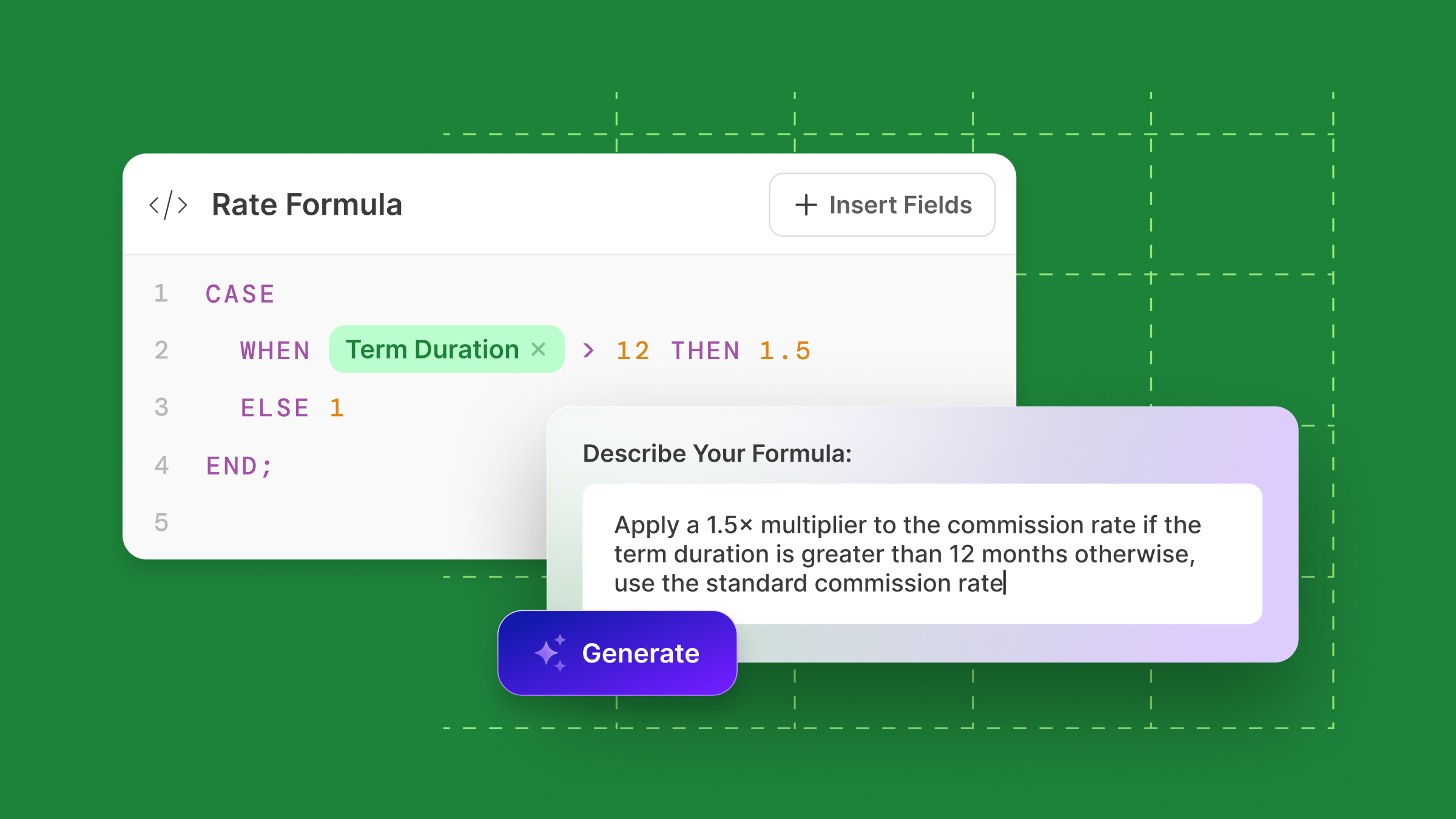
If your compensation plan uses stacking multipliers, attainment-based commission rates, or dynamic rates based on contract length, first, know that you’re not alone.
These structures drive performance but can get complicated fast when built using traditional comp tools.
That’s why we launched Rate Formulas, now available to customers on our Growth plan and above.
Rate Formulas allow you to define SQL-style multipliers directly within a component, making it possible to support complex earnings logic without adding unnecessary paths, extra mappings, or manual updates.
You don’t even have to know SQL to implement. Instead, use your AI Formula Generator by entering a prompt or copying and pasting an Excel formula.
Learn more below.
When should you use Rate Formulas?
Let’s walk through a few examples:
- Multi-year contracts (reps earn more when upon closing longer deals): Say you want to pay reps more when a contract term exceeds 12 months. Rather than creating multiple components or manual overrides, you can now write stacking logic (e.g. AND if >24 then 2x) through a formula like:
- CASE
- WHEN term_duration >= 36 THEN 2
- WHEN term_duration >= 24 THEN 1.75
- WHEN term_duration >= 12 THEN 1.5
- ELSE 1
- END
- Attainment-based accelerators: For every 1% over quota, you want to boost the rep’s commission rate by 0.1%. Instead of managing 50 different tiers, just use a formula that calculates the exact adjustment based on the rep’s attainment percentage.
- {Rate} + (({Quota_Attainment} – 1) * 0.001)
- {Rate} + (({Quota_Attainment} – 1) * 0.001)
- Stacked bonuses: Want to increase rates only when two conditions are met (like quota attainment and a specific product sold)? You can write logic that accounts for both conditions in one place.
- WHEN {Quota_Attainment} >= 1
- AND {Product_Type} = ‘Enterprise Plan’
- THEN {Rate} * 1.25
- ELSE {Rate}
Don’t know SQL? We’ve got you.
Even better, if you’re not familiar with SQL, our built-in AI Formula Generator can write the logic for you. Just describe what you’re trying to do or drop an Excel formula in our AI-powered Formula Generator and QuotaPath will create the formula. You can review, edit, or use it as-is.
Example: “Increase the rep’s commission rate by 10% if the contract term is longer than 12 months and they’ve hit at least 100% of quota.”
With Rate Formulas, you get a cleaner, more maintainable plan while reps get full visibility into how their earnings are calculated.
💡 Note: This feature is available on Growth and above. If you’re currently on Essential and want access, reach out to your Account Team.
To see it live, book a demo with our team here.